
Ad Formats⏱️ 8 min readFor media buyers, affiliates and app marketers
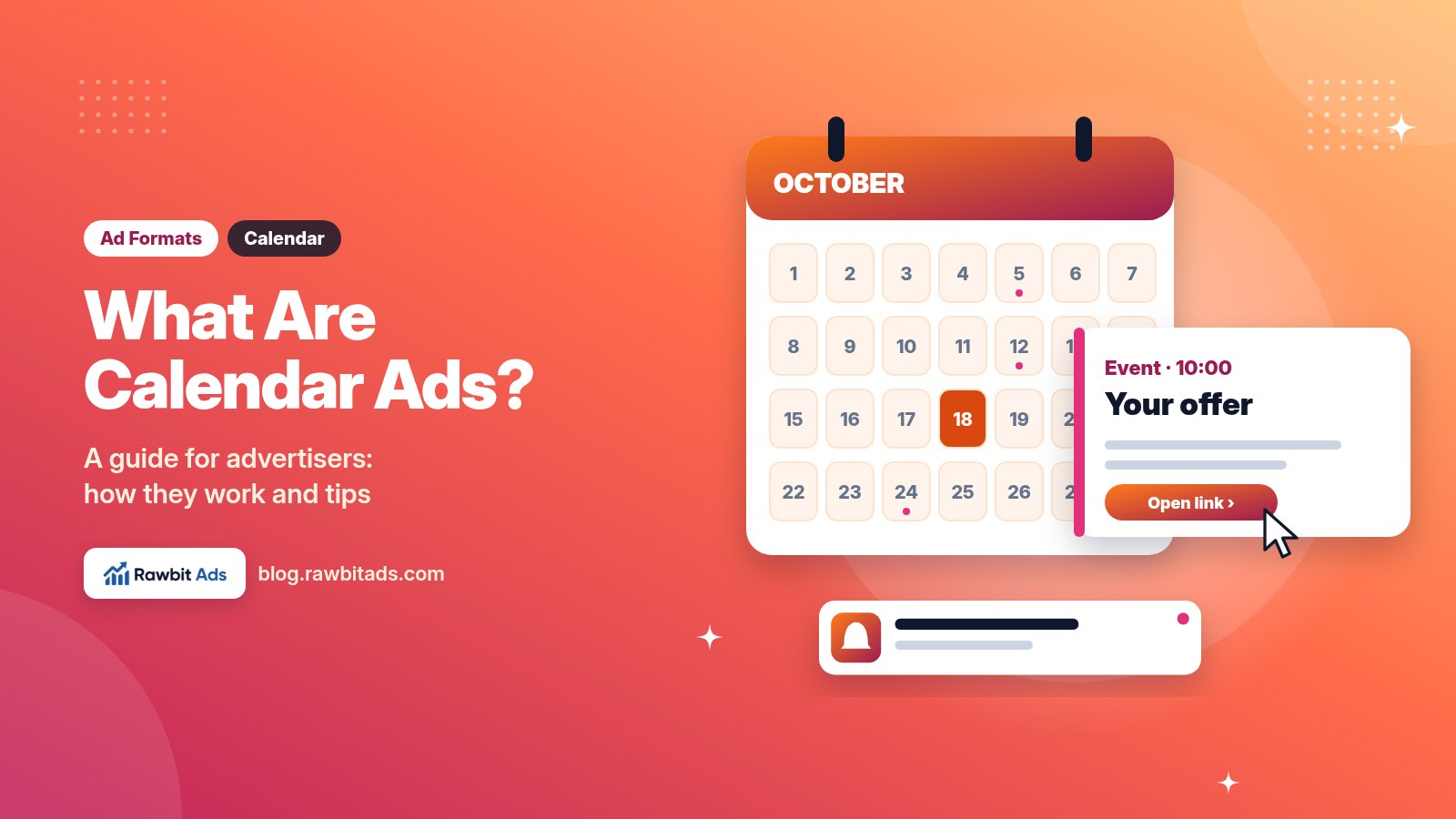
Most ad formats fight for attention on a busy web page. Calendar ads take a different route: they arrive as a scheduled event in the user’s calendar app, a place people check every day and where very few ads appear. If you buy push or pop traffic already, calendar ads are worth knowing about, because they’re quick to launch and they put your message somewhere your competitors usually aren’t.
This guide explains what calendar ads are, how they reach users, which offers tend to fit, how to write the title and note, and how to set up and optimize a first campaign.
🔑 Key takeaways
- Calendar ads are delivered as event invitations in users’ calendar apps, with a title, a short note and a link.
- Users opt in to a calendar subscription first, much like they opt in to web push.
- The title does most of the work, so test several angles.
- Because an event stays in the calendar, clicks can arrive after delivery. Use daily caps.
- On Rawbitads, calendar ads run on CPC or CPM from the same account as your other formats.
What Are Calendar Ads?
Calendar ads are ads delivered as calendar events. Instead of a banner or a notification bubble, the user sees a new entry in their calendar app, with a title, a short description in the notes and a link to your landing page. When the event comes up, the calendar app can also show a reminder, which gives your message a second chance to be seen.
On Rawbitads, calendar ads are described as ads “delivered as scheduled event invitations directly into users’ iOS and Android calendar apps”, sold on CPC or CPM. The formats page positions them as a unique placement with minimal competition, in a clutter-free space users check daily.
The format is mostly text. A calendar event has no big image or icon to design, so the work goes into the words and the landing page.
How Calendar Ads Work

The mechanics are close to web push, with a calendar in place of the browser:
The user opts in.
On a publisher’s site or app, the user agrees to a calendar subscription. They can remove it at any time, just as they can unsubscribe from push.
Your ad lands as an event.
Your campaign adds an event to the subscribed calendar, with your title, note and link.
The calendar reminds them.
Depending on the device and settings, the calendar app shows an alert for the event, so the message can be seen more than once.
They tap the link.
Opening the event shows your note and URL. A tap takes the user to your landing page.
Your page does the converting.
Most calendar taps happen on phones, so the landing page needs to load fast and be easy to use on mobile.
One practical difference from other formats: an event sits in the calendar until it passes, and users can open it later. That means clicks can trickle in after the ad was delivered, so your spend for a day can keep moving after you think the day is done. Keep daily caps on and check spend the next morning, not just the same evening.
Calendar Ads Compared With Push and In-Page Push
Calendar ads are often grouped with push because both rely on opt-in and short text. Here’s how they line up:
| Calendar ads | Push ads | In-page push | |
|---|---|---|---|
| Where it appears | User’s calendar app, as an event | Browser or OS notification | Inside the web page the user is on |
| Opt-in needed | Yes, a calendar subscription | Yes, a push subscription | No |
| Creative | Title, short note, link | Title, description, icon (and often an image) | Title, description, icon |
| Second chance to be seen | Event reminders | No, once dismissed it’s gone | No |
| Pricing on Rawbitads | CPC, CPM | CPC, CPM | CPC, CPM |
| Watch out for | Late clicks after delivery | Notification fatigue | Banner-style blindness |
If you’re new to the push family, our in-page push guide and push vs pop vs native comparison cover the other two formats in more depth.
Try calendar ads with no minimum spend →
Which Offers Suit Calendar Ads?
The calendar is a place for plans and dates, so offers with a time element feel natural there. Rawbitads lists events, eCommerce, travel, finance and retail as good fits for its calendar ads. A few angles that match the setting:
- Events and launches. Webinars, sales that start on a set day, product launches and ticket releases.
- Limited-time deals. Seasonal sales, weekend offers and “ends Sunday” promotions, where a reminder is genuinely useful.
- Travel. Trip ideas, booking windows and holiday planning.
- Finance and apps. Sign-ups or app installs where a short, clear benefit fits in a title.
- Retail and eCommerce. Product drops, restocks and discount days.
Offers that need a long explanation or heavy visuals are a harder fit. Send them to a pre-lander that does the explaining, or use native or push, where you have more room.
How to Write Calendar Ad Creatives

With no image to lean on, every word counts.
The title
The title is often the only text the user sees before they open the event, so write it like a push headline. Lead with the benefit or the date, keep it short and avoid anything that looks like a fake appointment or a system warning. Users who feel tricked remove the subscription, and that hurts everyone’s traffic.
The note
The note is where you add one or two lines of detail: what the user gets, and why now. Keep it plain and specific. Put your link where it’s easy to spot.
The link
Use one link and one goal. Add your tracking parameters so every click is tagged by campaign and source, and make sure the page loads quickly on a phone.
Timing
Schedule events at times that make sense for the offer. A deal that starts on Friday fits a Friday event; a webinar fits the hour before it begins. Rawbitads also lets you target by time of day, which helps you match delivery to when your audience is most active.
💡 Pro tip
Write at least three or four title angles before you launch: a benefit, a date or deadline, a question and a curiosity hook. Calendar ads have so few elements that the title is your main lever, and you can only find the winner by testing.
How to Launch a Calendar Ads Campaign
Here’s a simple setup that works on Rawbitads and most self-serve platforms:
- Pick one offer and one GEO. A narrow first test learns faster.
- Choose the bidding model. Rawbitads sells calendar ads on CPC or CPM. CPC is the safer start when you don’t know the traffic yet; see our bidding models guide for the trade-offs.
- Set targeting. Start with GEO and device, then layer OS, browser, carrier, connection type, language or time of day once you have data.
- Add the creative. Title, note and link with tracking parameters. Full creative specs are shown in the platform.
- Set a daily cap. Important for this format because of late clicks.
- Set up your postback. Rawbitads supports server-to-server postback tracking, so each conversion shows in your dashboard with source-level detail.
How to Optimize Calendar Ads
- Judge by conversions, not clicks. A title that gets lots of taps but no sign-ups is costing you money.
- Cut weak sources. Use zone or source data to blacklist what spends without converting.
- Rotate titles. When a winning title starts to fade, bring in a fresh angle rather than raising the bid.
- Let SmartBid help once you have data. With a target CPA set, SmartBid adjusts bids and blacklists underperforming zones in real time. Our campaign optimization guide explains blacklists and whitelists in more detail.
- Allow for late clicks. Review a day’s results after the events have had time to be opened, before you make big changes.
Frequently Asked Questions
What are calendar ads?
Calendar ads are ads delivered as events in a user’s calendar app. Each ad has a title, a short note and a link. Users opt in to a calendar subscription first, and the calendar app can show reminders as the event comes up.
How do calendar ads work?
A user subscribes to a calendar feed on a publisher’s site or app. Your campaign adds an event to that calendar with your title, note and link. When the user opens the event and taps the link, they go to your landing page.
Are calendar ads the same as push notifications?
No. Both use opt-in and short text, but push ads appear as browser or system notifications, while calendar ads appear as events in the calendar app and can trigger reminders. Calendar ads also tend to be text-only, with no icon or main image.
What offers work best with calendar ads?
Offers with a time element fit best: events, launches, sales that start or end on a set date, travel and retail promotions. Rawbitads lists events, eCommerce, travel, finance and retail as good fits for its calendar ads.
How do I buy calendar ads on Rawbitads?
Create a self-serve Rawbitads account, top up by card, wire or crypto with no minimum spend, choose Calendar Ads as the format, pick CPC or CPM, add your title, note and link, and set targeting and a daily cap.
Sources
Checked on 22 October 2026: Rawbitads formats, Rawbitads advertisers and the Rawbitads homepage. General calendar ad mechanics (opt-in, event title, note and link, reminders, late clicks) are described from how the format works across the industry.
Put Your Offer on the Calendar
Calendar ads are simple to launch: a title, a note, a link and a fast landing page. Keep the first test narrow, write several title angles, keep caps on for late clicks and let your conversion data decide what to scale.
📚 Related guides
Launch calendar ads on Rawbitads
Calendar ads sit next to push, pop, native and Telegram in one self-serve account, with CPC or CPM bidding, SmartBid and no minimum spend in 220+ GEOs.
Start a calendar campaign →